
Absolute URL vs Relative URL When and Where to Use Each

Senior WebCoder
When building a website or managing content, one common question developers and marketers face is:
Should I use an absolute URL or a relative URL?
Both have their place — and choosing the right one can improve your site’s performance, SEO, and maintainability.
🌍 What is an Absolute URL?
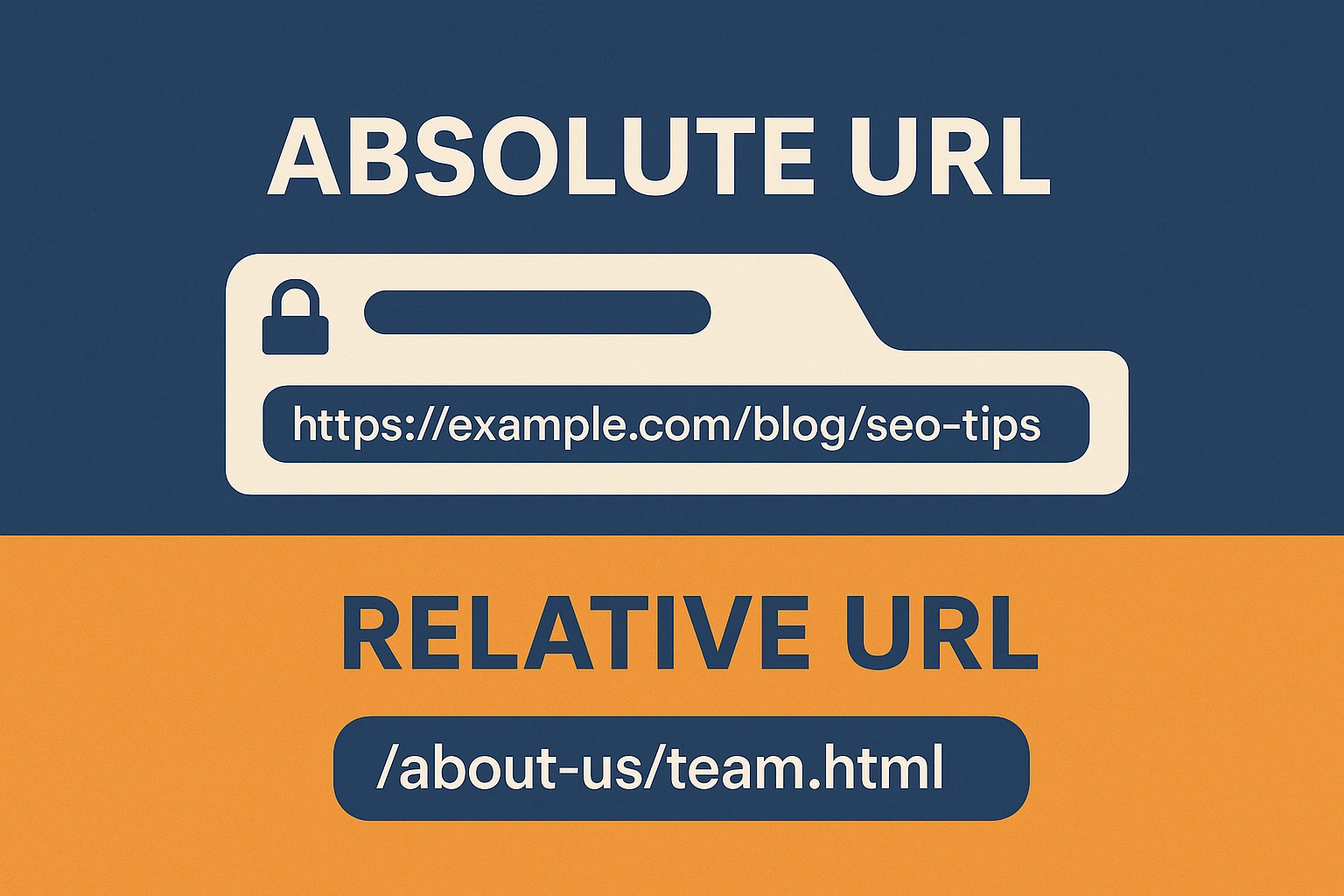
An absolute URL contains the full path — including the protocol (http or https), domain name, and file path.
Example:
https://example.com/blog/seo-tips📁 What is a Relative URL?
A relative URL references a resource in relation to the current page or directory structure.
Examples:
- Same folder: `contact.html`
- Parent folder: `../images/banner.jpg`
- From root: `/about-us/team.html`
✅ When to Use Absolute URLs
Cross-domain linking
- When linking to external websites or assets
- Example: Linking to your social media or an external article
https://twitter.com/yourprofile
Canonical URLs (SEO)
- Use absolute URLs
<link rel="canonical">to prevent duplicate content issues https://example.com/products/shoes
Sitemap files and RSS feeds
- These are parsed by bots and crawlers that need full paths
- Ensure every link includes the full domain
Email templates or newsletters
- Relative URLs won’t work in emails
- Absolute URLs are required for images and links
Redirect rules (301/302)
- Use absolute paths in server or CMS redirect configurations
✅ When to Use Relative URLs
Internal page links within the same domain
- Speeds up development and deployment
- Example: Link to a contact page using a simple path
<a href="/contact">
Static websites with consistent directory structures
- Makes it easier to move sites between environments (e.g., dev → staging → production)
CMS-based sites when using template includes
- Makes template parts portable across themes or page builders
When using Content Delivery Networks (CDNs)
- You may mix relative paths with CDN absolute URLs for performance optimization
⚖️ Pros and Cons Summary
| Feature | Absolute URL | Relative URL |
|---|---|---|
| SEO-friendly | ✅ Preferred in canonical links | ❌ Can cause confusion for bots |
| Portability | ❌ Breaks on domain changes | ✅ Easy to migrate or clone sites |
| Email compatibility | ✅ Required | ❌ Will not load correctly |
| Maintenance | ❌ Tedious during bulk updates | ✅ Easier for internal restructuring |
Conclusion
There’s no one-size-fits-all rule — the key is to understand the context.
Absolute URLs ensure reliability across platforms, while relative URLs offer flexibility and easier management for internal content.
By knowing when to use each, you’ll keep your site fast, secure, and SEO-friendly — whether you’re building a personal blog or scaling a business website.
Gokila Manickam
Senior WebCoder
Gokila Manickam is a Senior WebCoder at FUEiNT, contributing expert insights on technology, development, and digital strategy.